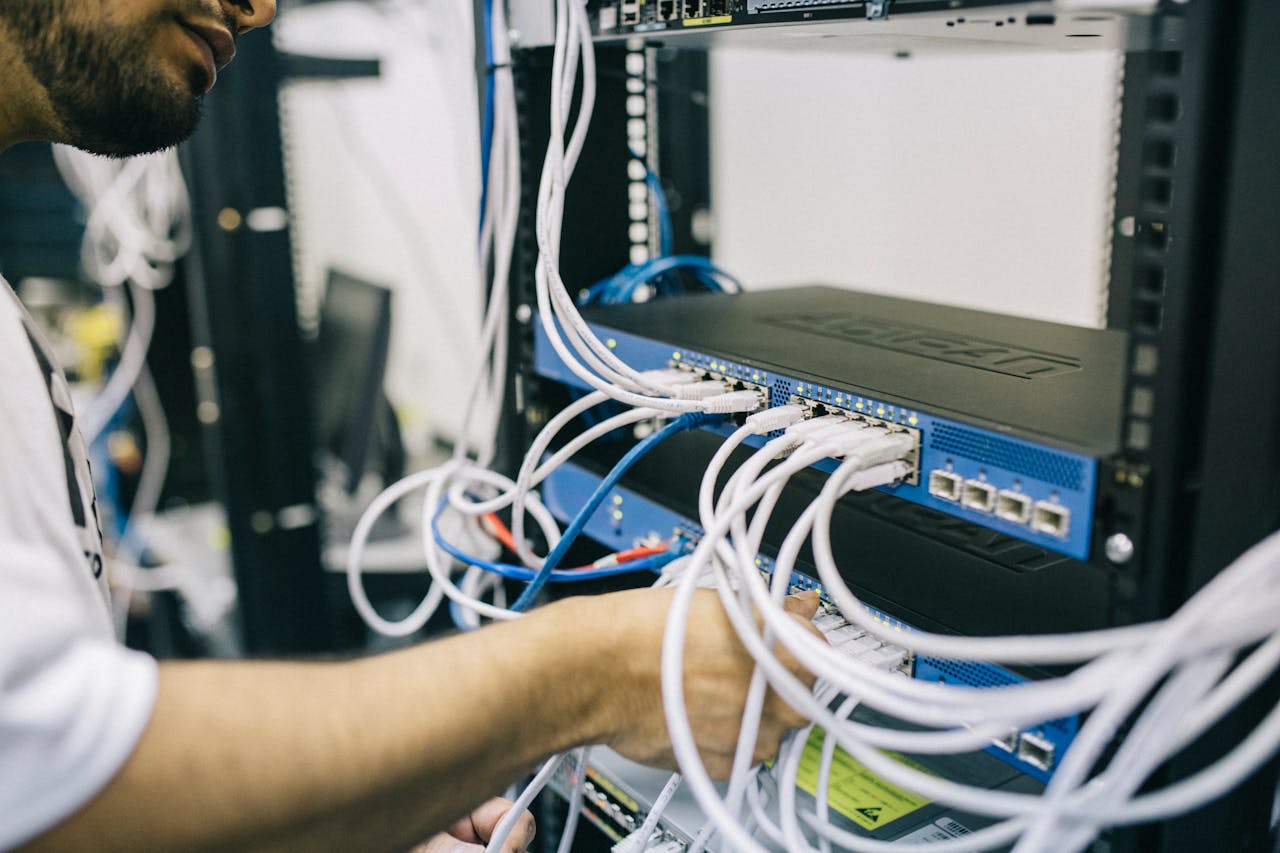


Learn what WiFi hotspots are, how they work, and why they are important for homes, businesses, and communities that need reliable internet connectivity.
Access to reliable internet has become an important part of everyday life. People depend on connectivity for communication, education, entertainment, and business activities. One technology that has helped expand internet access in many environments is the WiFi hotspot.
WiFi hotspots allow multiple users to connect to the internet wirelessly through a centralized access point. They are widely used in homes, offices, cafés, hotels, airports, schools, and community spaces. Understanding how hotspots work can help individuals and businesses make better decisions about connectivity solutions.
What Is a Wi-Fi Hotspot?
A WiFi hotspot is a physical location where people can connect to the internet using wireless devices such as smartphones, laptops, tablets, or smart TVs. The hotspot broadcasts a wireless network signal that nearby devices can detect and join.
Hotspots typically rely on networking equipment such as routers or wireless access points to distribute internet connectivity to users within a certain range.
Once connected, users can access the internet just as they would on any standard wireless network.
How Wi-Fi Hotspots Work
WiFi hotspots work by connecting a wireless access device to an internet source and then sharing that connection with nearby users.
The process usually involves several components:
1. Internet Source
The hotspot first receives internet connectivity from a primary connection source such as fiber, broadband, or another upstream network link.
2. Wireless Access Point
A wireless access point or router then broadcasts the internet connection as a WiFi signal. This signal creates a coverage area where devices can connect.
3. User Devices
Devices such as smartphones, laptops, and tablets detect the WiFi network and connect to it using a password or login system.
4. Network Management System
In more advanced setups, hotspot systems include management tools that control user access, monitor network performance, and manage bandwidth usage.
This system ensures that the network operates efficiently even when many users are connected at the same time.
Types of WiFi Hotspots
WiFi hotspots can be deployed in different ways depending on the environment and the needs of users.
Public Hotspots
Public hotspots are available in places such as cafés, restaurants, airports, and shopping centers. These hotspots allow visitors and customers to access the internet while they are on the premises.
Private Hotspots
Private hotspots are typically installed in offices, residential areas, or controlled environments where only authorized users can connect.
These networks are often secured with login systems or passwords to prevent unauthorized access.
Managed Hotspots
Managed hotspots are professionally deployed systems that include network monitoring, bandwidth management, and secure user authentication. These systems are commonly used in businesses or environments where many users need reliable connectivity.
Why Wi-Fi Hotspots Are Important
Wi-Fi hotspots play a significant role in expanding internet access and improving digital connectivity in many communities.
Supporting Businesses
Many businesses rely on WiFi hotspots to support daily operations. Employees often use wireless networks to access cloud applications, communicate with clients, and perform digital tasks.
Some businesses also provide WiFi access to customers as an added service that improves the overall customer experience.
Enabling Education and Learning
Students and educators increasingly rely on the internet for research, online classes, and digital learning resources. WiFi hotspots help make these resources accessible in schools, campuses, and community environments.
Improving Digital Accessibility
In many regions, hotspots help extend connectivity to areas where individuals may not have personal internet access. Community hotspots can help bridge digital gaps and make online services more accessible to more people.
Supporting Mobile Connectivity
Modern lifestyles often require people to stay connected while on the move. WiFi hotspots provide convenient connectivity options for travelers, remote workers, and mobile professionals.
The Importance of Secure Hotspot Networks
While WiFi hotspots are convenient, security is also an important consideration. Properly configured hotspot systems help protect both users and network administrators.
Security measures may include:
- User authentication systems
- Network encryption
- Bandwidth management
- Access control policies
These measures help ensure that the network remains reliable and protected against unauthorized usage.
The Role of Professional Connectivity Solutions
Deploying a reliable hotspot network often requires proper planning, quality hardware, and professional configuration. Well-designed network systems ensure that users experience stable connectivity and that network performance remains consistent.
Technology providers such as Raeba Technologies Limited help homes and businesses deploy networking equipment, install wireless infrastructure, and maintain reliable connectivity environments tailored to their specific needs.
WiFi hotspots have become an essential part of modern connectivity. They allow individuals and businesses to access the internet conveniently and support a wide range of digital activities.
As more services move online, the importance of reliable wireless connectivity will continue to grow. Understanding how WiFi hotspots work helps businesses, communities, and individuals take advantage of the opportunities created by modern network technologies.
With the right equipment and proper network management, hotspot systems can provide stable, secure, and scalable connectivity solutions for a wide variety of environments.